
When I review a WordPress website for the first time, I’m not looking at colors.
I’m not judging layout.
And I’m definitely not starting with design preferences.
I’m looking for patterns.
Because most WordPress problems aren’t dramatic failures.
They’re quiet oversights that compound over time.
Here’s exactly what I check first.
1. Plugin Overlap & Redundancy
This is always my starting point.
Not how many plugins are installed — but how many are doing the same job.
I look for:
- Two SEO plugins running together
- Multiple caching tools
- Duplicate security layers
- Page builders layered on top of each other
Plugin overlap creates:
- Unnecessary scripts
- Database strain
- Conflict risks
- Performance drops
Most slow websites aren’t “broken.”
They’re stacked.
2. Hosting & Server Environment
Before touching anything else, I check:
- PHP version
- Memory limits
- Server response time
- Hosting type (shared, VPS, managed)
A well-built website on weak hosting will always feel unstable.
Infrastructure matters more than most business owners realize.
Performance begins at the server level — not the theme.
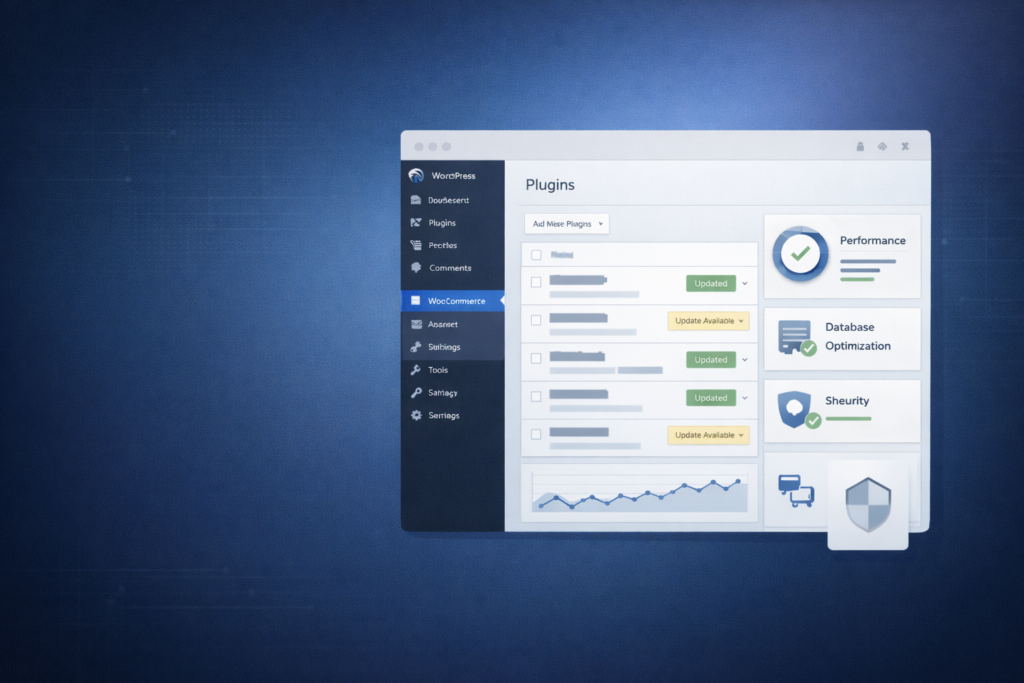
3. Core Updates, Theme & Plugin Health
Next, I review:
- WordPress core version
- Theme update status
- Plugin update frequency
- Abandoned plugins
Outdated software is one of the biggest silent risks.
Security vulnerabilities don’t announce themselves.
They wait.
4. Database Condition
WordPress databases grow fast.
I check for:
- Excess post revisions
- Spam comments
- Expired transients
- Orphaned plugin data
A bloated database slows queries.
Slow queries slow pages.
And slow pages cost conversions.
5. Performance Signals
Before running advanced tools, I observe:
- Admin dashboard speed
- Media library responsiveness
- Page builder load time
- Checkout experience (if eCommerce)
Sometimes you can “feel” instability before measuring it.
Then I validate it with structured performance testing.
6. Payment & Checkout Flow (For eCommerce)
If it’s a WooCommerce site, this is critical.
I review:
- Payment gateway configuration
- Webhook functionality
- Currency logic
- Tax and shipping rules
- Email notifications
Many stores process payments.
But not all process them cleanly.
Revenue leaks usually happen here.
7. User Clarity & Navigation
After technical checks, I move to behavior.
I ask:
- Is the next step obvious?
- Is there friction in forms?
- Are CTAs clear?
- Is there cognitive overload?
Confusion doesn’t crash a site.
It just reduces action.
And reduced action compounds over time.
8. Backup & Monitoring Systems
Finally, I check:
- Is there automated backup?
- Where are backups stored?
- Is uptime monitored?
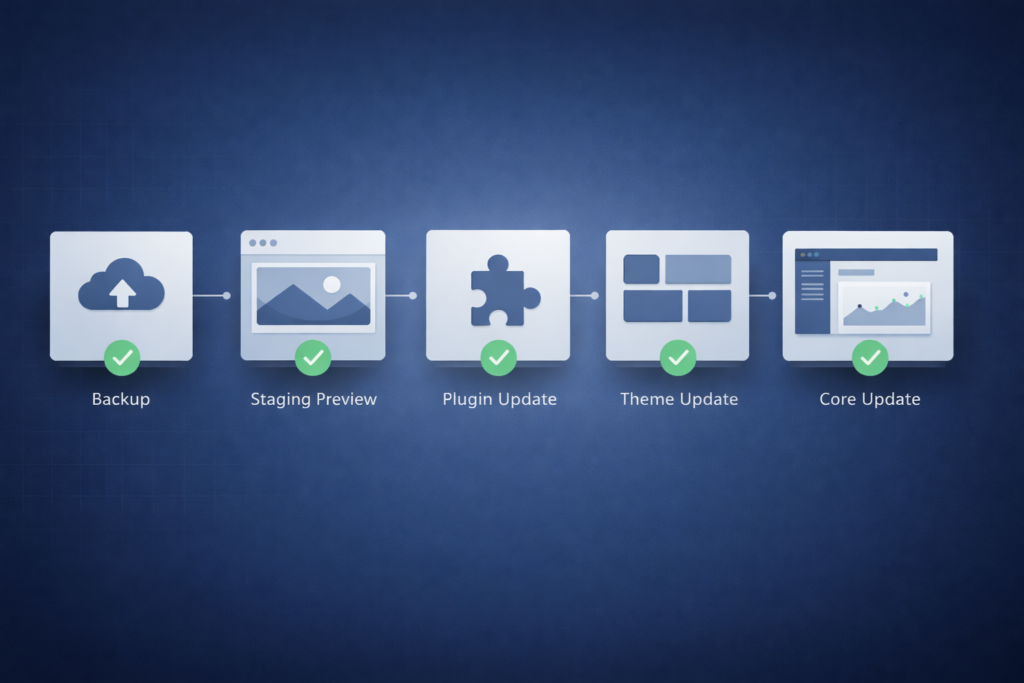
- Is there a staging environment?
Maintenance should be routine — not reactive.
If there’s no monitoring system, the site is running blind.
What This Tells Me
Within the first review, I can usually identify:
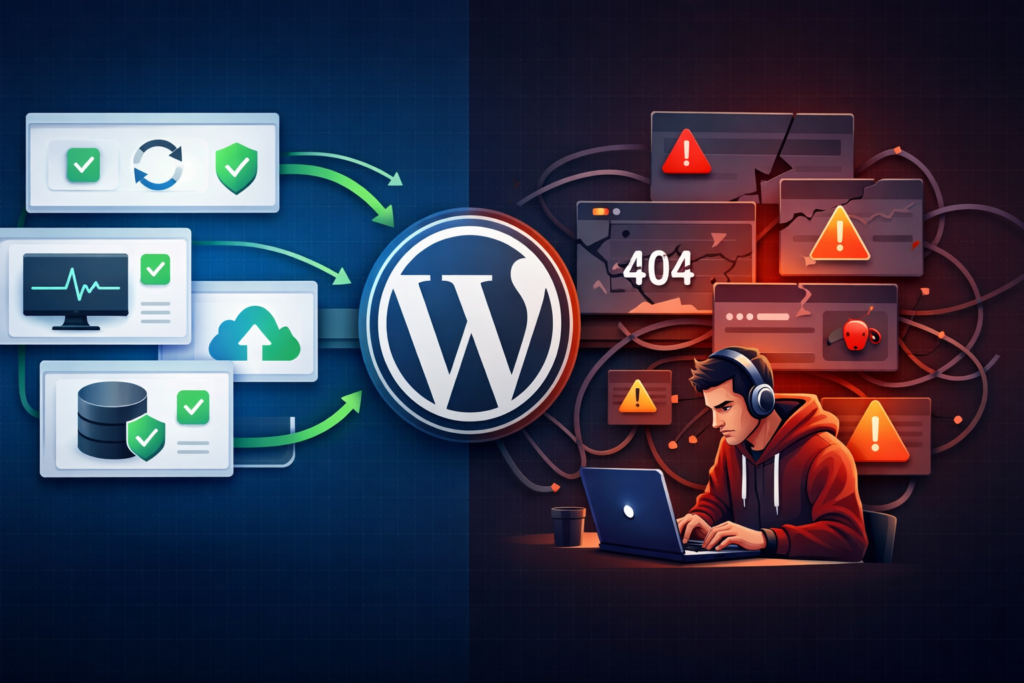
- Whether the site is reactive or structured
- Whether it’s built for growth or patchwork survival
- Whether it’s stable or quietly fragile
Most WordPress websites don’t fail suddenly.
They degrade slowly.
And slow degradation is harder to notice — but far more expensive long term.
Need a Website That Actually Converts?
Let’s Build Something That Works for Your Business
Your website shouldn’t just look good it should generate leads and sales. I design and develop high-performing, fast, and conversion-focused websites tailored to your goals.
Final Thought
When I review a WordPress website, I’m not looking for what’s broken.
I’m looking for what’s compounding.
Because stability isn’t an accident.
It’s a system.